 listicle
Are Wireless Chargers Worth It? A 2026 Guide
Table of Contents
- Are Wireless Chargers Worth It? The Real Trade-offs
- Wireless Charging vs Wired Charging Speed: What the Data Shows
- Wireless Charging Safety and Battery Health: Separating Myth from Reality
- Energy Efficiency and Long-term Hardware Degradation
- How to Choose a Wireless Charging Pad for Your Setup
- Cost-Benefit Analysis: Is the Convenience Worth the Price?
- The Verdict: Who Should Invest in Wireless Charging
Last Updated: August 27, 2026
Are Wireless Chargers Worth It? The Real Trade-offs
Whether wireless chargers are worth it depends entirely on your lifestyle and tolerance for trade-offs. At Esther Tech Shop, we've helped thousands of professionals optimize their desk setups, and the answer isn't a simple yes or no, it's about understanding what you're actually gaining and losing when you ditch the cable.
The core tension is this: wireless chargers offer genuine convenience and aesthetic benefits, but they come with real costs in speed, efficiency, and long-term hardware durability. Most people don't realize that the "wireless" part of the equation introduces physics-based limitations that wired charging simply doesn't have. Inductive charging requires power transfer across an air gap, which inherently wastes energy as heat. That heat, over time, can degrade your battery faster than wired alternatives.
But here's what most guides get wrong: for many professionals, the convenience factor, no more fumbling with cables, no more port wear, no more cable clutter on your desk, genuinely outweighs the efficiency penalty. The real question isn't whether wireless chargers work. It's whether the specific benefits align with how you actually use your devices.
Below, we'll break down the actual trade-offs, show you what the data reveals about speed and battery health, and help you decide if wireless charging makes sense for your setup.

Wireless Charging vs Wired Charging Speed: What the Data Shows
Wireless charging is objectively slower than wired alternatives. A typical wireless charger delivers between 5W and 15W of power, while most modern wired fast chargers push 20W to 65W or higher. That speed difference matters in real terms: a full charge via wireless can take 2-3 hours, while a wired charger accomplishes the same in 30-60 minutes depending on your device and charger specifications.
The gap widens further when you factor in power loss during inductive transfer. Wireless charging loses roughly 10-15% of energy as heat during the transfer process, meaning a 15W wireless charger doesn't deliver 15W to your device, it delivers closer to 13W (peer-reviewed research). That efficiency loss directly translates to longer charging times and more wasted electricity.
Where this matters most: if you charge your phone overnight or while working at your desk, wireless charging speed is irrelevant. You're not in a hurry. But if you need to top up your battery in 30 minutes before heading out, wireless charging won't cut it. You'll need a wired charger for that workflow.
The Qi standard, which governs most wireless charging, has improved significantly over the past few years. Modern Qi chargers can now handle up to 15W for phones and higher wattages for tablets and smartwatches. But the physics of inductive charging means it will always be slower than direct electrical contact. That's not a limitation of current technology, it's a fundamental constraint of how wireless power transfer works.
Wireless Charging Safety and Battery Health: Separating Myth from Reality
The biggest myth about wireless charging is that it damages your battery faster than wired charging. The reality is more nuanced. Wireless charging itself doesn't inherently harm lithium-ion batteries. What matters is heat.
All charging generates heat, it's a byproduct of electrical resistance. But wireless charging generates more heat than wired charging because of the energy loss during inductive transfer. That extra heat is the actual culprit if battery degradation occurs. Lithium-ion batteries degrade faster when exposed to sustained elevated temperatures (peer-reviewed research). Over months and years of wireless charging, that cumulative heat exposure can reduce your battery's maximum capacity by a measurable amount.
Here's the practical implication: if you use wireless charging daily for 2-3 years, you might see your battery capacity drop from 100% to 85-90% by year three. With wired charging, you might retain 90-95% capacity over the same period. The difference exists, but it's not catastrophic, most people replace their phones before the battery degradation becomes a real problem.
The safety concern around wireless charging, electromagnetic interference affecting medical devices, is largely overstated. The power levels involved in Qi charging are low enough that they don't pose a risk to pacemakers or other implanted devices, according to current medical device standards (the FDA). That said, if you have a pacemaker or similar implant, checking with your cardiologist before adopting wireless charging is sensible caution, not paranoia.
One legitimate concern: thermal throttling. If your phone gets too hot while charging wirelessly, the processor will intentionally slow down to cool itself. This doesn't damage the phone, but it does mean slower performance during charging. On hot days or in warm environments, this becomes more noticeable.
Energy Efficiency and Long-term Hardware Degradation
The efficiency argument against wireless charging is real but often exaggerated. Yes, wireless chargers waste 10-15% of energy as heat compared to wired chargers. Over a year of daily charging, that might translate to an extra $5-10 in electricity costs depending on your local rates. It's not nothing, but it's also not a deal-breaker for most people.
Where the real cost emerges is in long-term hardware degradation beyond just the battery. Wireless charging pads and stands can develop alignment issues over time. If your phone isn't perfectly centered on the charging coil, charging efficiency drops dramatically, sometimes to 50% or lower. You end up with a device that charges slowly and generates even more heat. Many people don't realize this is happening until their phone barely charges overnight.
The charging pad itself also degrades. The coils inside wear out, dust accumulates around the magnetic alignment surfaces, and the adhesive holding components together can fail. A quality wireless charger might last 2-3 years before performance noticeably declines. A wired charger, by contrast, can last 5+ years if treated reasonably well.
Port degradation is actually where wireless charging shines. Traditional charging cables and ports experience mechanical wear every time you plug in and unplug. After hundreds of charge cycles, USB-C ports can become loose, unreliable, or fail entirely. Wireless charging eliminates this wear entirely, there's no physical connection to degrade. For people who charge their devices multiple times daily, this is a genuine advantage that extends device lifespan.
The environmental cost of wireless charging, both the energy waste and the shorter lifespan of the charging equipment itself, is worth considering. A wired charger that lasts twice as long and uses 10-15% less energy is genuinely more sustainable, even if the difference feels abstract.
How to Choose a Wireless Charging Pad for Your Setup
The first decision isn't about the charger itself, it's about your use case. Are you charging at your desk while working? Bedside overnight? In a car? Each scenario demands different features.
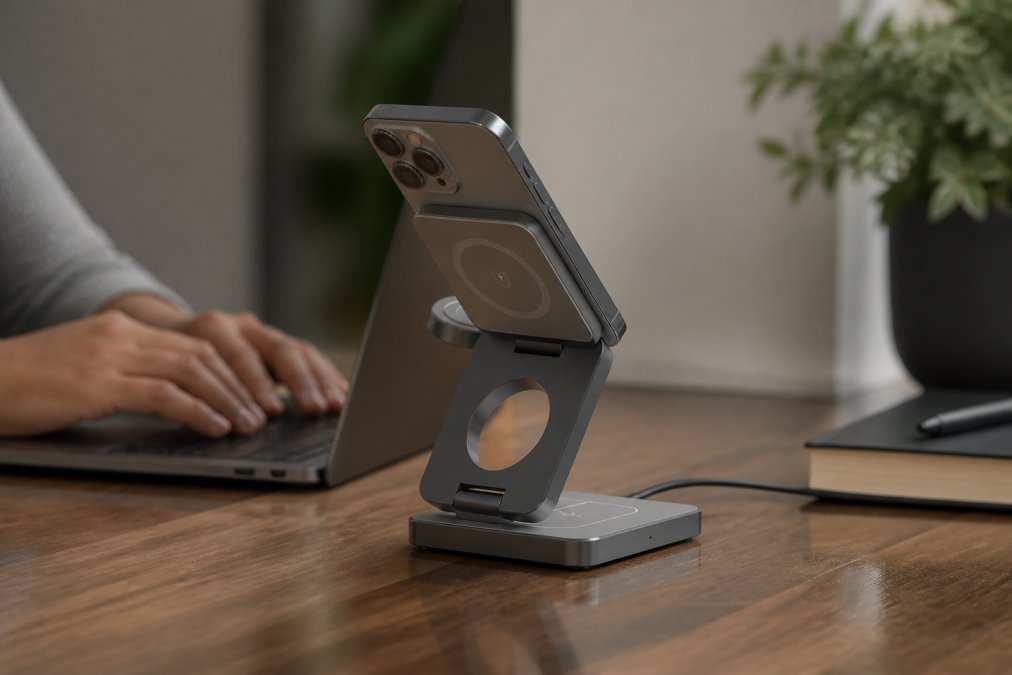
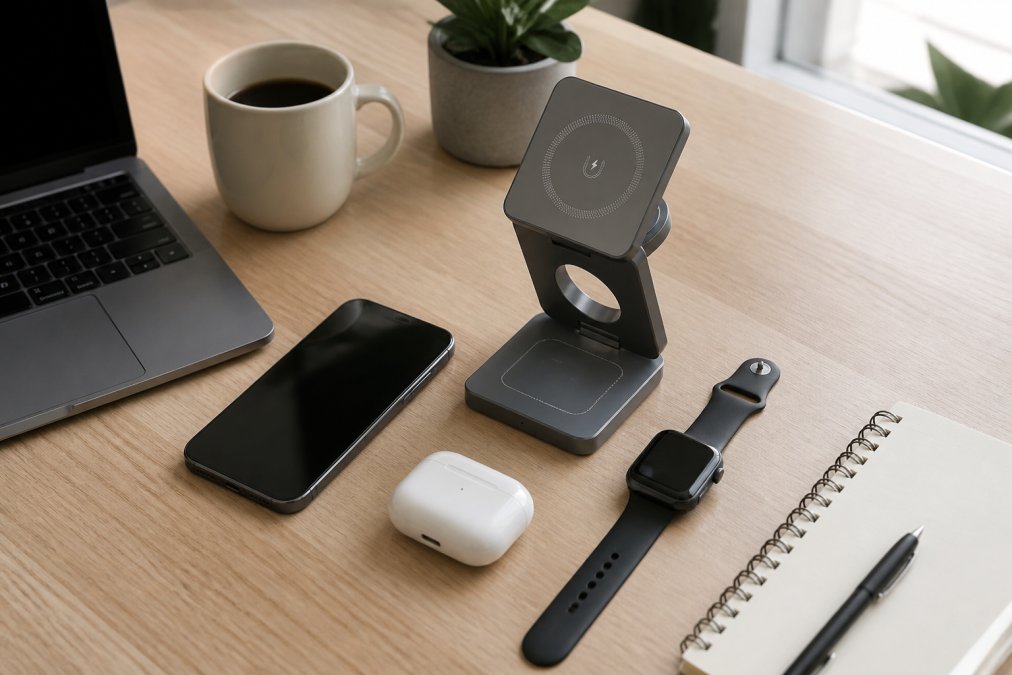
For desk setups, a charging stand is superior to a pad. A stand holds your phone at an angle where you can see notifications and interact with it while it charges. A flat pad forces you to pick up your phone every time you want to check something, which defeats the convenience purpose. The 3-in-1 Magnetic Wireless Charging Station is specifically designed for this workflow, it charges your phone, earbuds, and watch simultaneously without cable clutter. The magnetic alignment means your phone snaps into the correct position automatically, eliminating the guesswork about whether you've placed it correctly on the coil.
For bedside charging, a flat pad works fine since you're not interacting with your phone while it charges. What matters here is that it doesn't emit light or sound that disrupts sleep. Some chargers have LED indicators that are too bright for a bedroom, check the reviews before buying.
Compatibility is non-negotiable. Not all phones support wireless charging, and not all that do support the same wattage. Check whether your device supports 5W, 10W, or 15W charging. A 15W charger won't harm a 5W device, but you won't get the speed benefit either. Magnetic alignment (like the Esther Tech Shop 3-in-1) solves the placement problem entirely, your phone snaps into the correct position every time.
Heat dissipation matters more than most people realize. A charger with poor airflow will cause your phone to get uncomfortably warm. Look for chargers with ventilation or fan cooling if you're charging in a warm environment. This is especially important if you use your phone while it's charging.
Finally, consider the cable and power adapter. A charger is only as good as its power delivery. A 15W charger paired with a weak power adapter won't deliver full speed. Chargers with USB-C input (like the 3-in-1 from Esther Tech Shop) are ideal because you can use the same cable as your other devices, reducing cable clutter further.
Cost-Benefit Analysis: Is the Convenience Worth the Price?
A quality wireless charger costs between $20 and $50. A wired charger costs $10-20. On the surface, wireless charging is more expensive. But the real cost-benefit calculation is more complex.
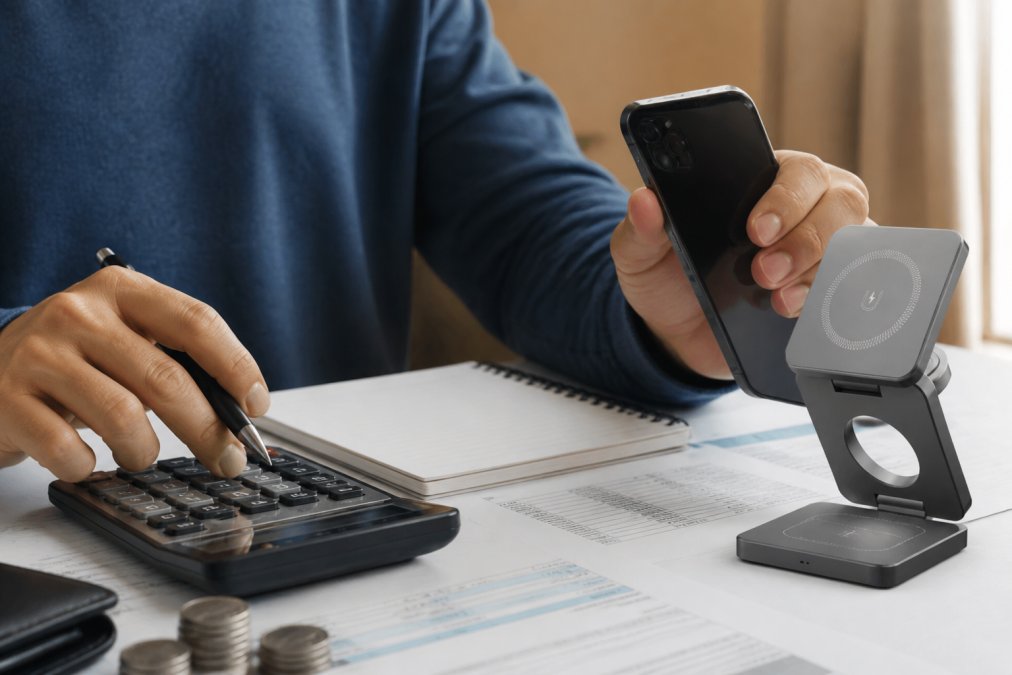
If you charge your phone once daily, the extra $20-30 for wireless charging buys you convenience: no cables to manage, no port wear, no fumbling in the dark to find your charging cable. Over three years, that's roughly $0.02 per day. For most professionals, that's a worthwhile trade for a cleaner desk and fewer cables.
If you charge multiple devices simultaneously, the math changes. The 3-in-1 Magnetic Wireless Charging Station at $44.99 charges your phone, earbuds, and watch at the same time. Buying separate wired chargers for each device would cost $30-50 total, plus you'd need multiple cables and wall outlets. The wireless option consolidates everything into a single charging location and cable, saving space and money.
The hidden benefit is port longevity. If wireless charging extends your phone's usable lifespan by even six months because the charging port doesn't wear out, you've effectively saved the cost of replacing the charger multiple times over. A phone replacement costs $800-1200. A wireless charger costs $45.
The hidden cost is electricity. Over a year, the extra 10-15% energy waste from wireless charging might cost $5-10 depending on your local rates. Over three years, that's $15-30. Not insignificant, but small relative to the convenience benefit for most people.
The real decision point: if cable clutter bothers you and you have a predictable charging routine (desk or bedside), wireless charging is worth the investment. If you need fast charging or you're constantly charging on the go, stick with wired. If you use multiple devices and want a consolidated charging station, wireless becomes the more economical choice.
The Verdict: Who Should Invest in Wireless Charging
Wireless chargers are worth it for professionals with specific workflows. If you work from a desk, charge your devices overnight, or use multiple devices that need simultaneous charging, wireless charging eliminates friction from your daily routine. The convenience is real, even if it's not flashy.
Wireless chargers are not worth it if you need fast charging, you're constantly on the move, or you live in a very warm climate where heat dissipation is a concern. In these scenarios, the trade-offs outweigh the benefits.
The middle ground, which describes most people, is that wireless charging is worth it for one or two primary devices in your home office or bedroom, paired with a fast wired charger for situations where speed matters. This hybrid approach gives you convenience where it counts without sacrificing speed when you need it.
At Esther Tech Shop, we've found that customers who invest in a quality wireless charging station (like the 3-in-1 Magnetic Wireless Charging Station) for their desk setup report significant satisfaction with the reduction in cable clutter and the simplicity of dropping multiple devices in one location each evening. The magnetic alignment feature eliminates the frustration of misaligned charging that plagues cheaper alternatives. Combined with our 24-48 hour shipping guarantee and straightforward returns policy, investing in wireless charging becomes a low-risk way to test whether the convenience genuinely improves your workflow.
The physics of wireless charging won't change, it will always be slower and less efficient than wired alternatives. But for the right use case, those trade-offs are worth making. The question isn't whether wireless chargers are objectively superior. It's whether they solve a genuine problem in your specific setup. If they do, they're absolutely worth it.
Wireless charging technology continues to improve, but the fundamental trade-offs remain: slower speeds, slightly higher energy costs, and potential long-term battery impacts in exchange for convenience and reduced cable clutter. For remote professionals optimizing a home office setup, a quality wireless charger from Esther Tech Shop eliminates the daily friction of cable management. The 3-in-1 Magnetic Wireless Charging Station delivers 15W fast charging with automatic magnetic alignment, ensuring your phone, earbuds, and watch charge simultaneously without the tangled mess of multiple cables. Get started with Esther Tech Shop and reclaim your desk space.
Frequently Asked Questions
Is it bad to leave your phone on a wireless charger all day?
Leaving your phone on a wireless charger all day is generally safe, but it can accelerate battery aging slightly. Modern phones include thermal management to prevent overheating, but continuous charging generates more heat than occasional charging. For optimal battery longevity, unplug once fully charged or use a charger with smart cutoff. Occasional all-day charging won't damage your device, but frequent daily all-day charging may reduce battery lifespan by a few months over several years.
Why is wireless charging slower than wired charging?
Wireless charging uses electromagnetic induction to transfer power through the air gap between the charging coil and your phone's receiver. This process is inherently less efficient than direct metal-to-metal contact in wired charging. Wired chargers can deliver 20-65W, while most wireless chargers max out at 15W. The power loss occurs as heat during the induction process, which also requires the charger to limit wattage to prevent thermal damage to your battery.
Do wireless chargers work through phone cases?
Most wireless chargers work through thin plastic cases (under 3mm), but thicker cases, metal cases, or cases with magnetic attachments can block or significantly weaken the signal. Magnetic phone stands and wallets can interfere with charging alignment. For reliable charging, use cases under 2mm thick or remove your case during charging. If you're choosing a wireless charging pad, look for models with strong inductive coils and alignment guides to improve compatibility with cases.
Does wireless charging degrade phone battery health faster than wired charging?
Wireless charging can degrade battery health slightly faster than wired charging due to higher heat generation during power transfer. Lithium-ion batteries degrade faster at elevated temperatures; wireless charging typically generates 5-10°C more heat than wired alternatives. However, the difference is modest, a phone charged wirelessly daily might lose 5-10% more battery capacity over 2-3 years compared to wired charging. Modern phones include thermal throttling to protect batteries, so the real-world impact depends on your charging habits and room temperature.
This article was written using GrandRanker